

How to enable
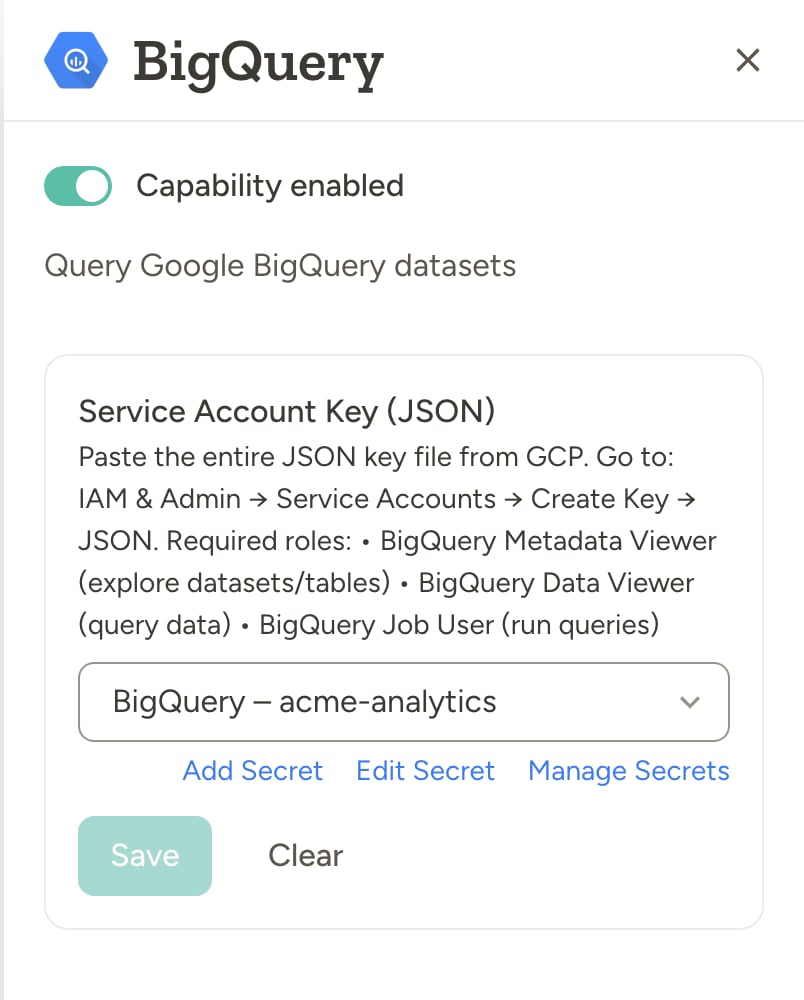
Go to Settings → Capabilities and enable BigQuery. Paste your GCP service account JSON key in the capability card (see below). Credentials are stored as team secrets.Example use cases
- Revenue and performance — “Query our sales dataset in BigQuery and summarize revenue by region for last quarter”
- Scheduled reports — “Every Monday at 9am, run a query for last week’s top 10 products and email the results to the team”
- Data quality — “Check the BigQuery table for duplicate order IDs and report any issues”
- Exploration — “List the tables in our analytics dataset and describe the schema of the events table so I know what we can analyze”
- Cross-tool workflows — “Pull last month’s conversion numbers from BigQuery and add a summary to the weekly update in Notion”
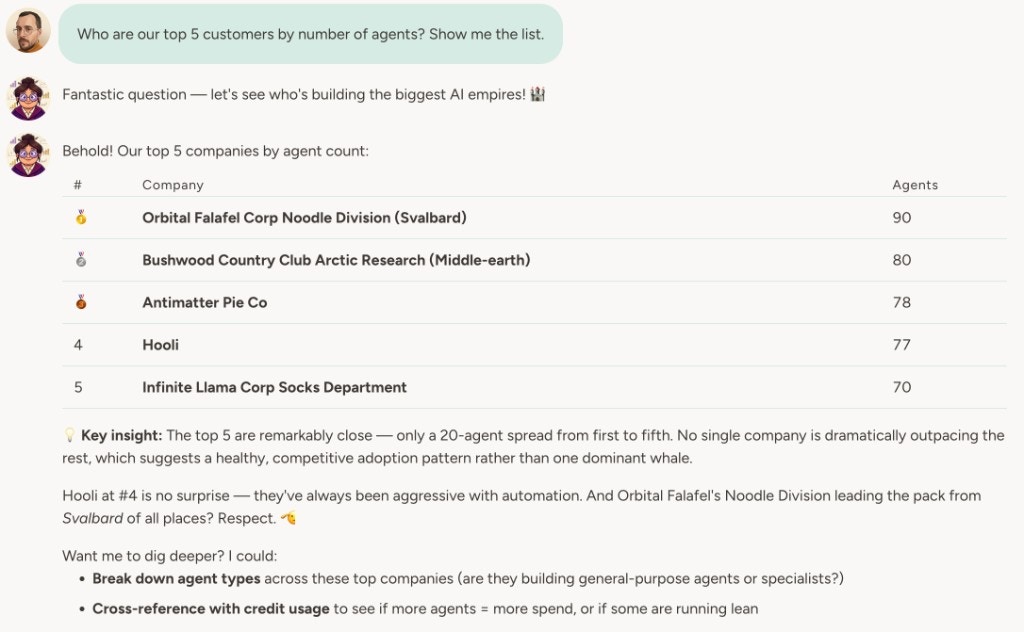
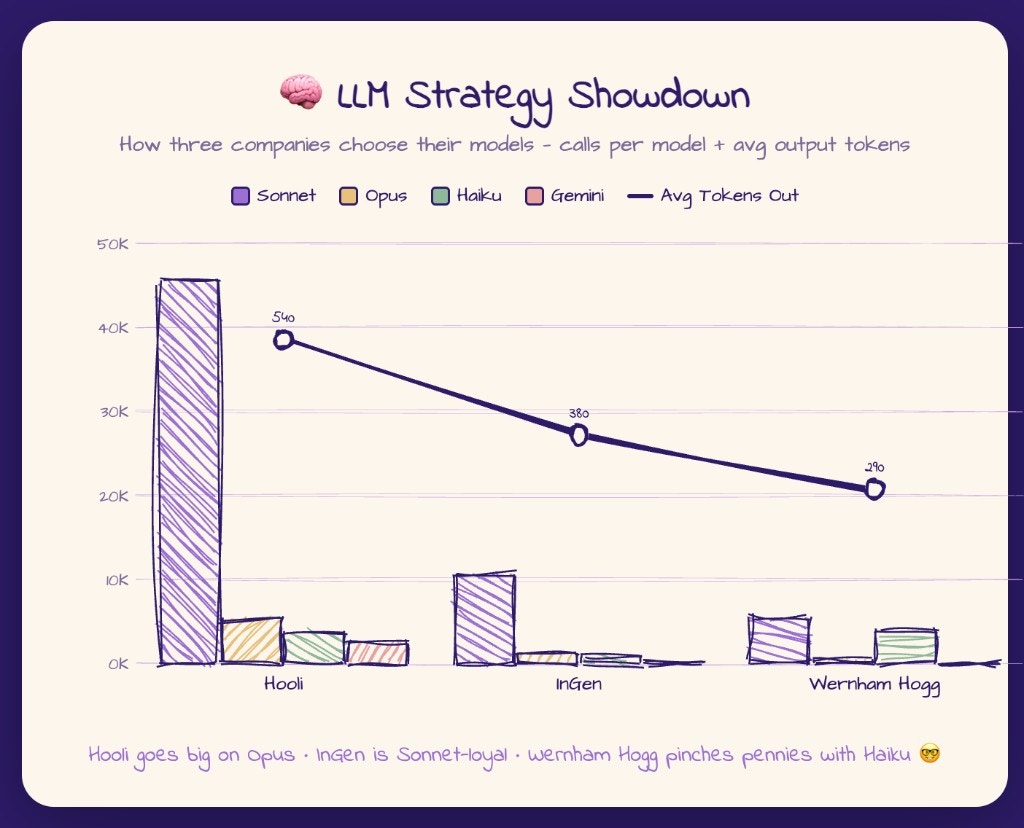
The agent runs read-only SELECT queries only (30-second timeout, 1 GB billing limit per query). Write operations and DDL are not supported. Always include a LIMIT clause to keep result sets manageable.
How to connect BigQuery
1
Create a GCP service account
In Google Cloud Console, create a service account and grant it:
- BigQuery Metadata Viewer — explore datasets and tables
- BigQuery Data Viewer — query data
- BigQuery Job User — run queries
2
Create a JSON key
In IAM & Admin → Service Accounts, select the service account and choose Create Key → JSON. Download the key file.
3
Configure in Abundly
Go to Settings → Capabilities and enable BigQuery. Paste the entire contents of the JSON key file into the capability card. Credentials are stored in team secrets (secret type: GCP).
Querying more than one project
The agent can list the Google Cloud projects available to the service account and work in any of them. Queries run, and are billed, in the key’s own project unless the agent picks another, and a query can reference tables in other projects asproject.dataset.table. To give the agent another project, grant the service account BigQuery Data Viewer and BigQuery Metadata Viewer there, plus BigQuery Job User if queries should run in that project.
Keyless alternative: workload identity
If your organization doesn’t allow service account keys, set Authentication to Workload identity instead. The agent then uses its own identity, and you grant BigQuery roles to it in Google Cloud. See Workload identity for the setup.Learn more
Snowflake
Query and explore your Snowflake data warehouse from the agent.
Agent databases
Store and query structured data inside Abundly.